
One script.
The whole studio.
SlateCue is an app for dubbing studios that brings the director, voice actor and sound engineer together around one script.
The director
stays in control.
The director runs the session on a Mac. Choose a voice actor, go through their lines and see what has been recorded and what is still to come.
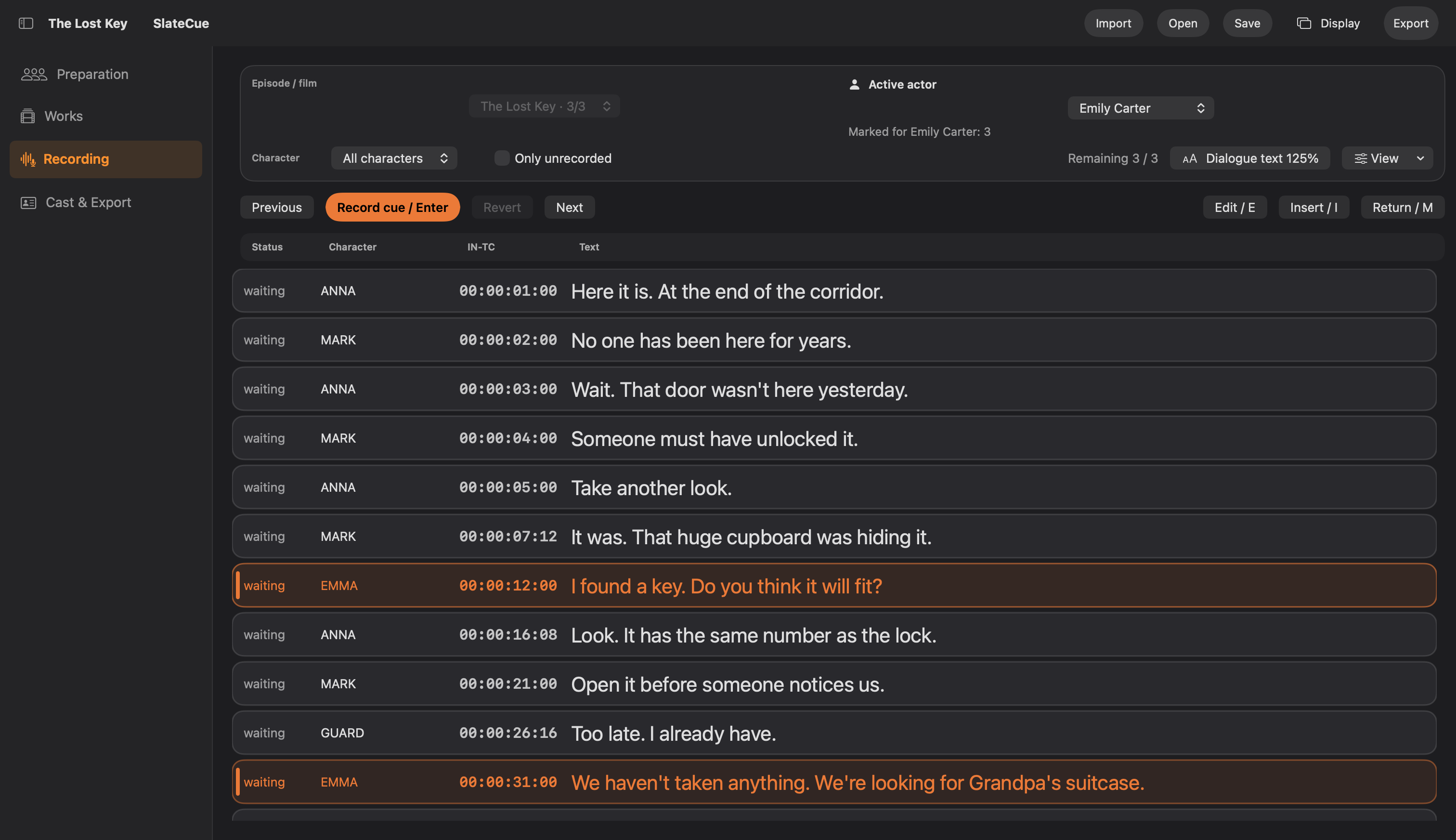
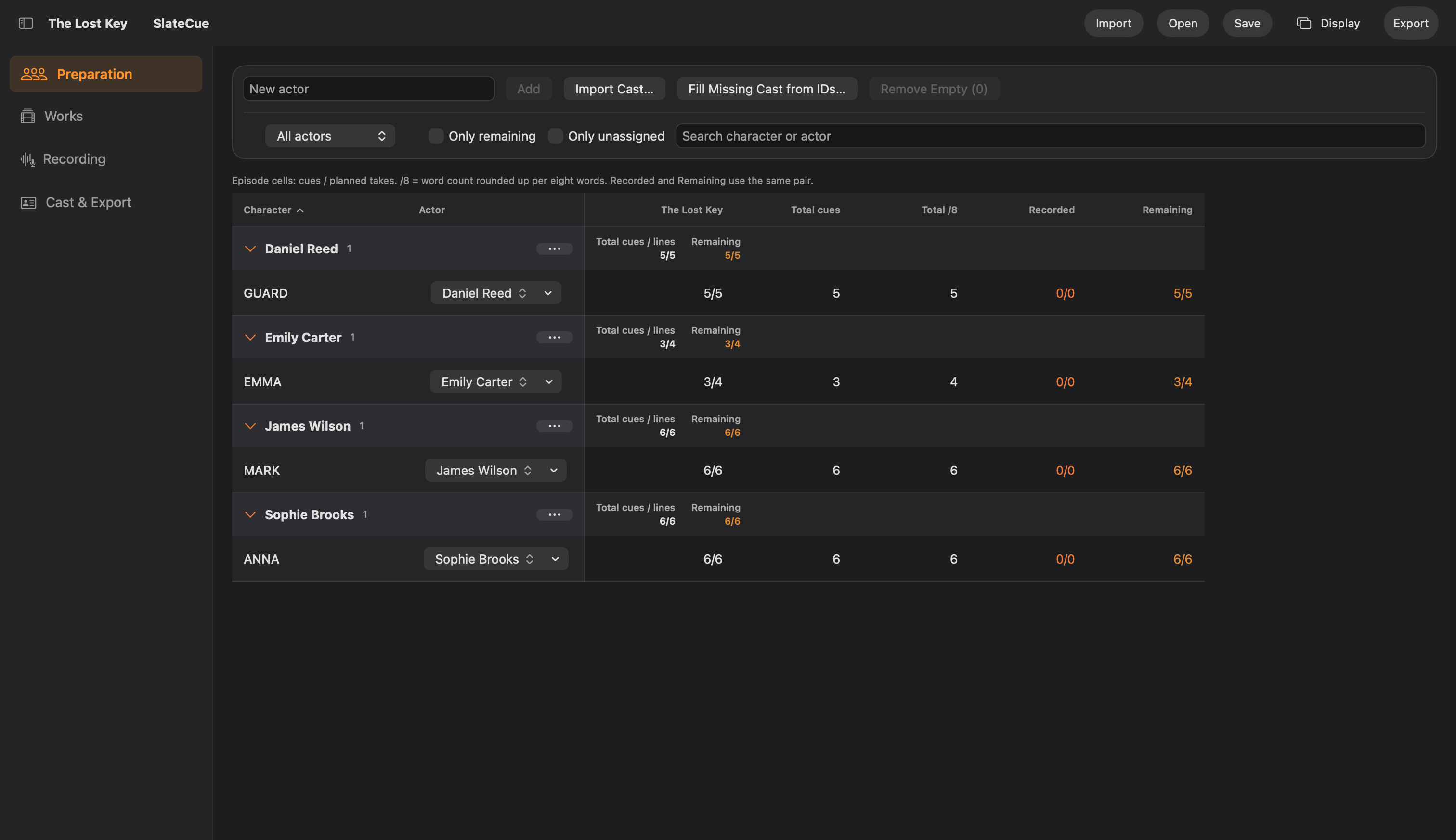
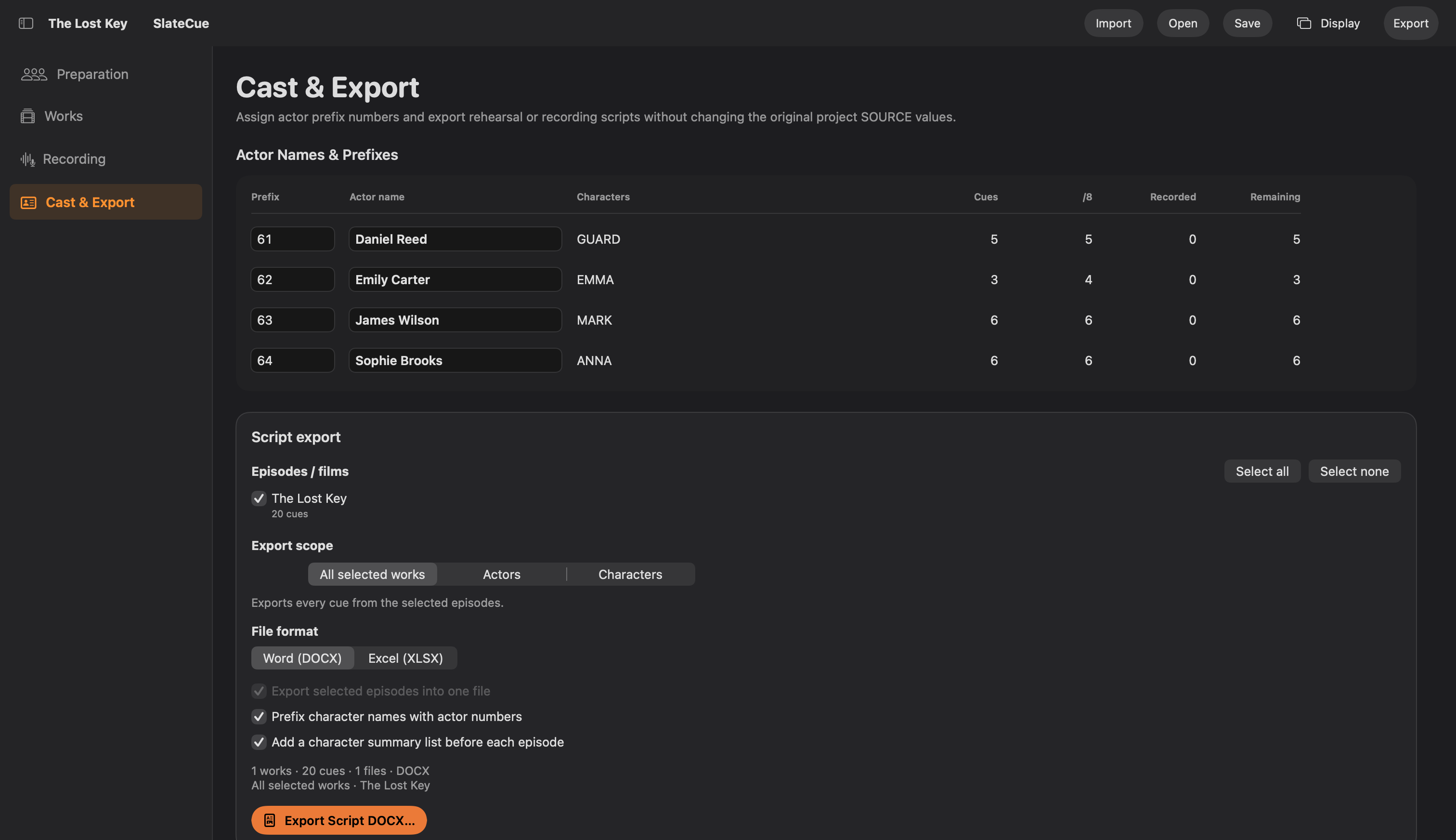
Record audio in your usual recording software. SlateCue manages the script and keeps track of recorded lines.
Every line.
In the actor’s view.
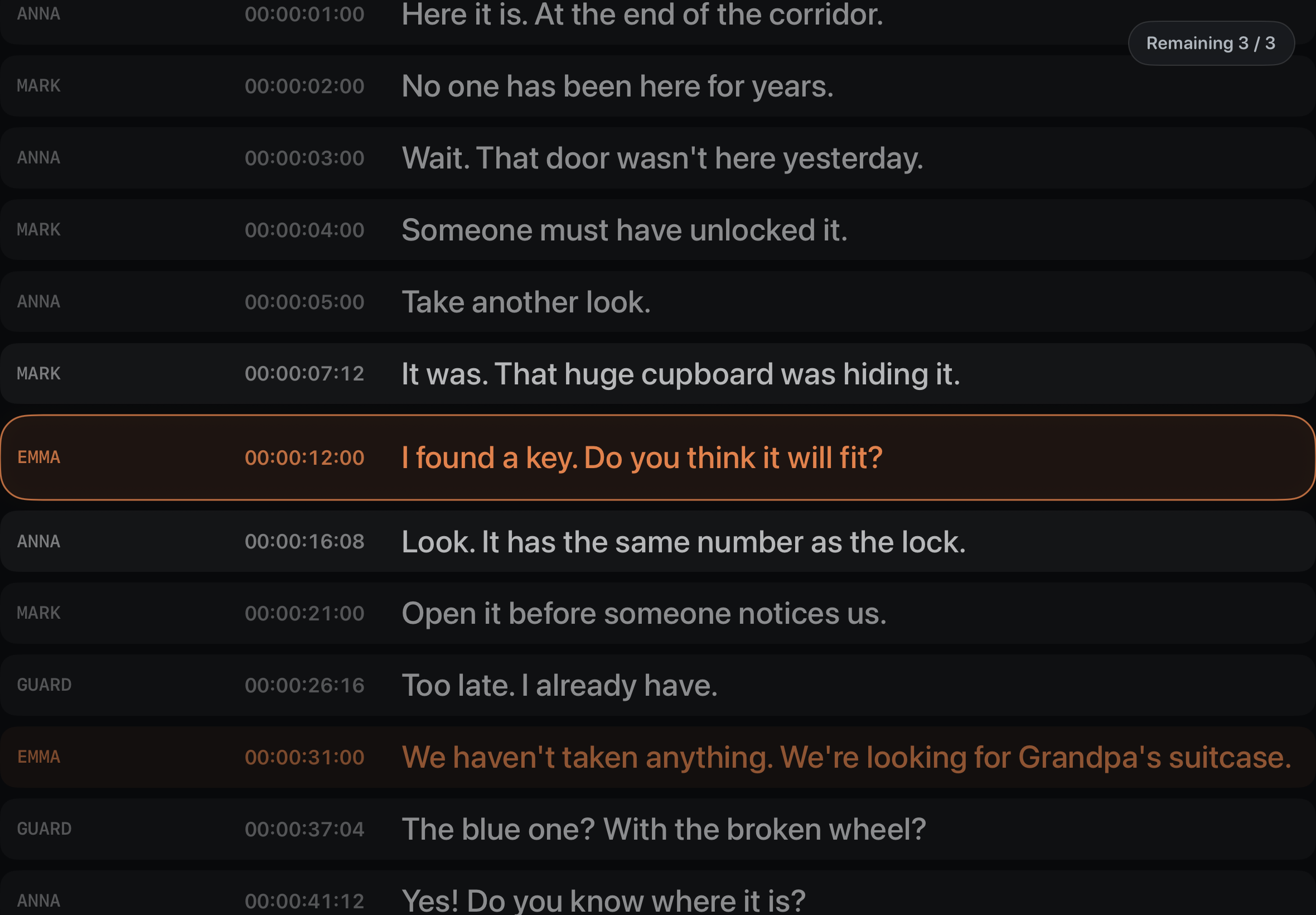
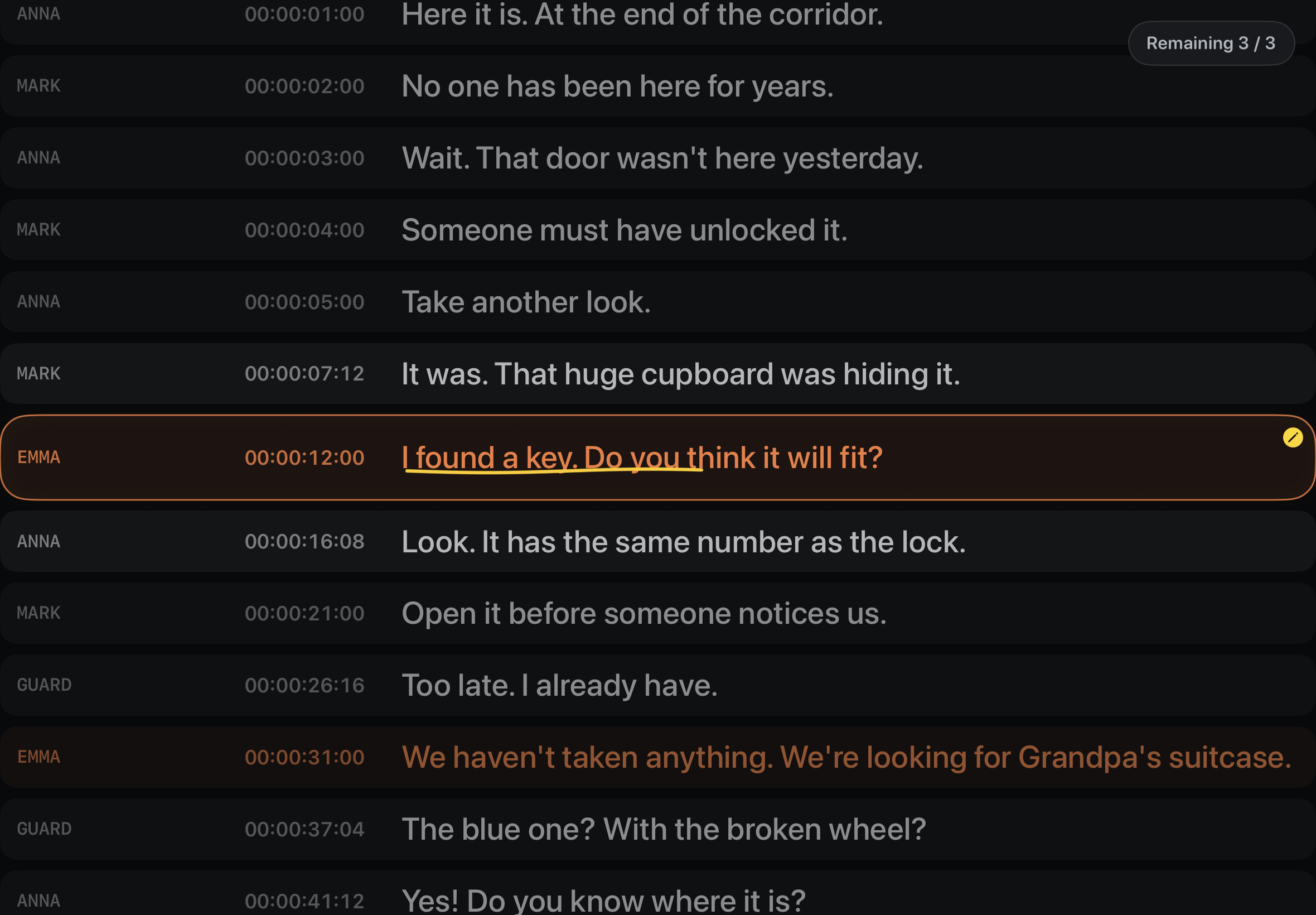
The current line is always in view. Voice actors see the surrounding dialogue, character and timecode, so they can focus on their performance.
The script arrives from the Mac via Bluetooth. Add Apple Pencil notes directly to each line.
One press.
For the sound engineer.
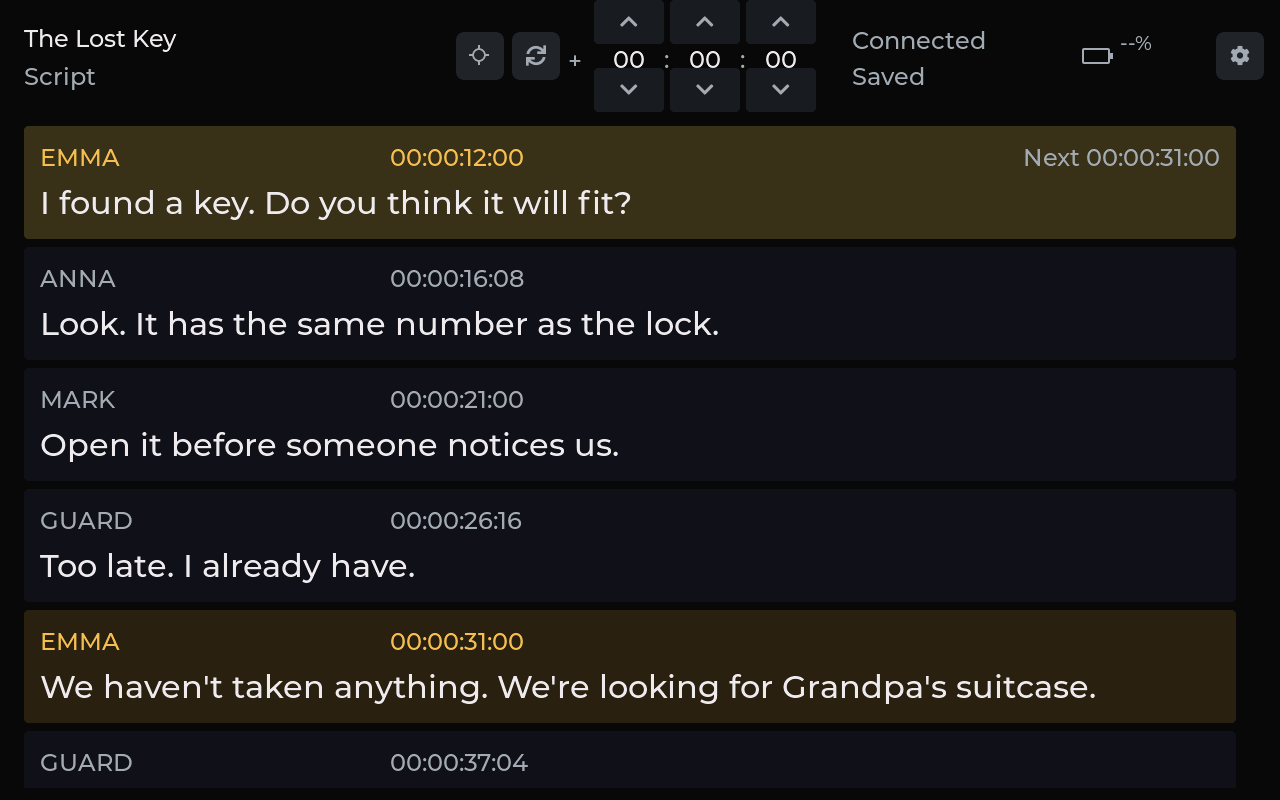
Plug and play. No additional app to install on the sound engineer’s computer. Just press the controller button and the line’s timecode is entered into Pro Tools automatically.
The tablet shows the current line, character and timecode. Audio is still recorded in the engineer’s usual recording software.
From script
to finished episode.
Easily import your script. Easily hand over finished as-recorded scripts in Word or Excel.
- 01
Import the script
Import different script formats and layouts from Word or Excel. No single prescribed template to follow.
- 02
Assign the cast
Assign characters to voice actors. The cast stays consistent across the project.
- 03
Run the session
Follow the current line, recorded dialogue and retakes. Make edits as you work.
- 04
Deliver the results
Choose episodes, characters or voice actors and easily export just the scripts and reports you need.
Bluetooth brings
the devices together.
Simply pair the devices via Bluetooth into one studio setup. The Mac shares the script and current line with the iPad and the sound engineer’s tablet.
Your projects stay stored on the studio’s Mac. The entire script workflow runs completely offline, without uploading to the cloud.
For your studio.
For working together.
Let’s look at your workflow and how SlateCue can work with your equipment.
We’ll tailor the setup, pricing and support to your studio. We’re also open to exploring projects together.
SlateCue
in motion.
The whole studio. In 10 seconds.
The whole studio. In sync.
An app workflow demo with an English script and interface. The Guition display uses current firmware styling with English demo labels. Devices and the button press are animated.
The video could not be loaded. Open the video file